Whether you are in charge of a simple construction project or a complex one, you know that you and your team need to have access to accurate information at the right time. This is essential for executing your work and delivering your project successfully, without expensive surprises.
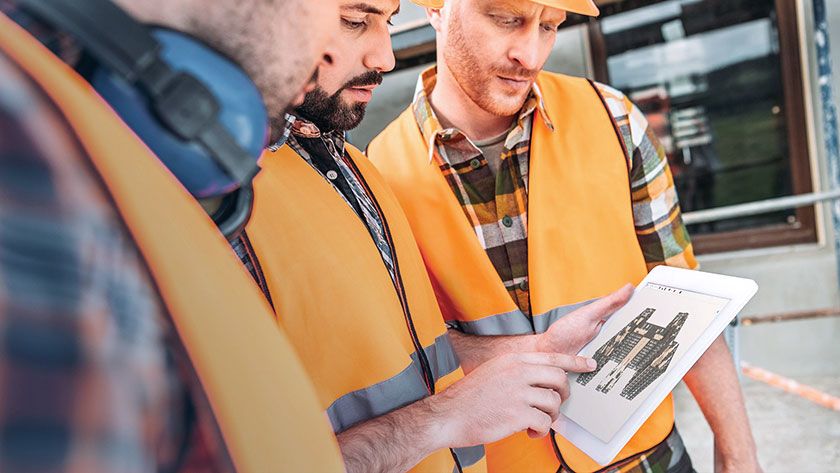
Trimble Connect is an open collaboration tool that connects the right people to the right data at the right time – enabling informed decision making and enhancing project efficiency.
Here are the three top immediate benefits of using Trimble Connect
1. Trimble Connect enables you to organize all your project documentation in a single location.
In addition to allowing you to view 3D models, Trimble Connect also acts as a repository of project documentation and information. You can create and organize custom folders for 2D drawings, pdf files, spreadsheets, RFIs, and models in various folder structures that you can customize according to your needs.
All team members benefit from the clarity and effective communication that Trimble Connect offers throughout the construction project. You can freely add people to the project and give them access to the information and documentation they need.
The main advantage of organizing your project documentation with Trimble Connect is that it’s all in one place. This means you don’t need to spend hours searching on your computer or through emails for a specific file or guessing where the latest version of a drawing is.
You and your team members can update the models and documents at any time, ensuring everyone has access to the latest information. This significantly reduces the risk of errors and misunderstandings that come from handling old versions and outdated information.
Trimble Connect Sync is an application within Trimble Connect that allows you to sync any supported file type from the computer or network drive directly to the Trimble Connect project in the cloud – ensuring your files are updated in both locations. You can customize the tool to sync manually or on schedule, and let any project administrator ensure that the documentation and model used in the project are the most recent ones.
2. Trimble Connect visualization capabilities provide more project clarity and minimize misunderstandings.
The most immediate benefit is the ability to see a 3D model directly inside Trimble Connect. This model visualization provides a level of clarity and understanding for all involved in a project. Models such as those created in Tekla Structures greatly reduce the need to interpret plan views, sections, and details scattered around different drawing sheets within a set. Trimble Connect shows this model and provides you with a simple and easy way to navigate it.
You can combine 2D and 3D by turning on one or more files in the model viewer and instantly seeing the relationships between them. You can quickly move around the model, isolate objects, and adjust the transparency to look within. This enables you to inspect and review the different quantities of an object such as volume, weight, length, size, etc.
Visualizing the model enhances your communication and presentation capabilities and enables you to collaborate better with other project members. You are able to see the big picture and the tiniest details – finding areas of concern and solving clashes on time.
3. Trimble Connect facilitates task management and enhances communication.
Trimble Connect and the To-Do’s tool help to effectively inform and communicate about future steps and tasks. The To Do’s tool allows one to document specific comments, questions, and concerns, and assign those to one or more individuals in the project. These individuals receive a notification email of the assigned to-do, which they can then open, review and address.
The To-Do’s tool allows you to customize tasks by, for example, adding a title, description, due dates, and other task-related information. You can quickly mark up the model and associated screenshots with a specific To-Do. The To-Do can be associated with particular model objects, which can be reviewed by all the people invited to a project.

