Stay up to date on all the great new enhancements that are coming to ProjectSight—inspired by requests and needs from you, our customers!
We’ll update this blog as the enhancements roll in, so check back regularly for updates!
September 2024: ProjectSight product update
Web: new user interface and navigation
To improve how you navigate to and within your projects, we've made some major changes to the ProjectSight web interface including the below:
New Combined Project and Portfolio Screen: Users will be able to more easily create and switch between projects or portfolios.
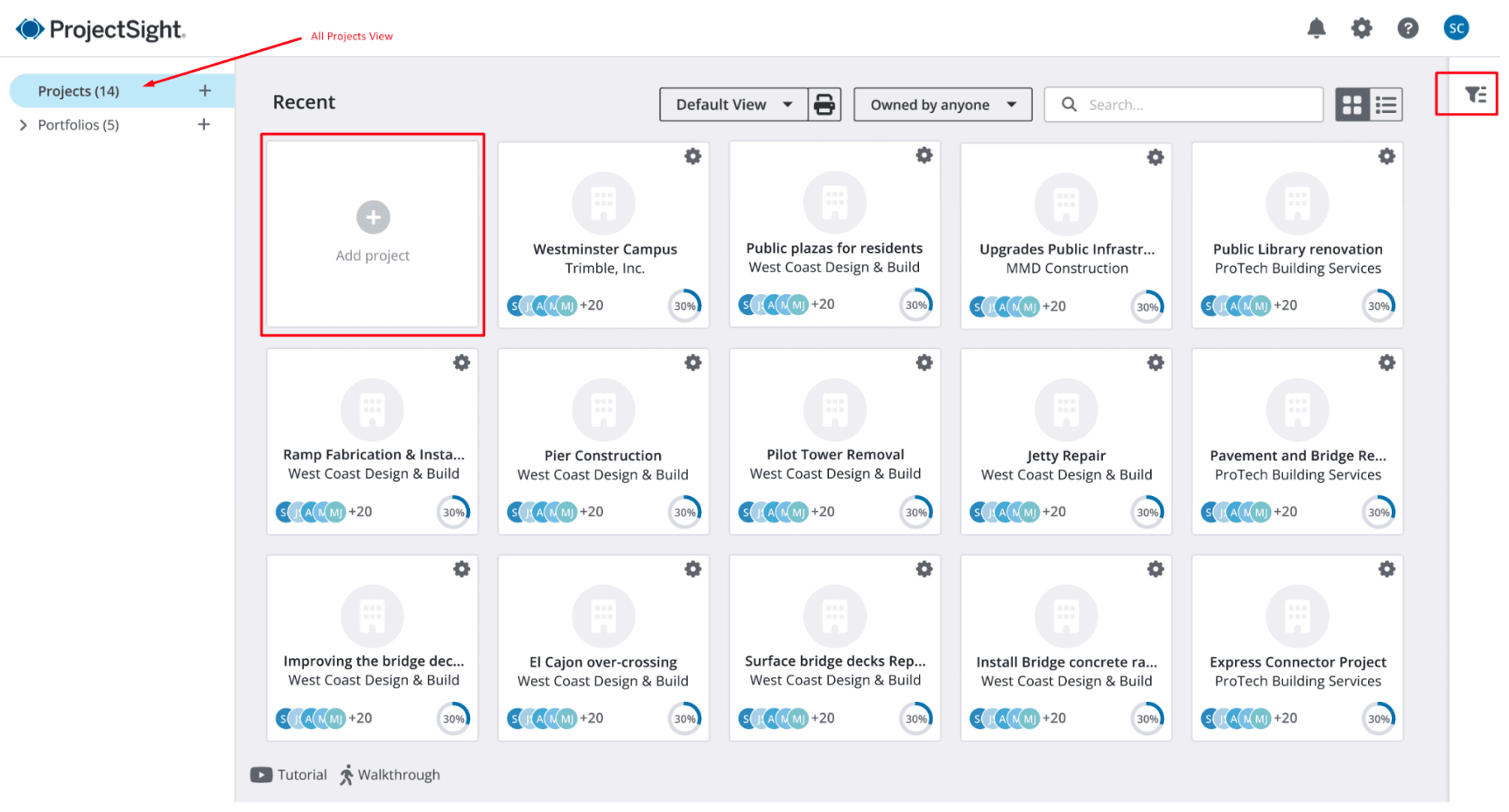
New Project Menu: The menu navigation has been redesigned so users can move through the software faster. The updated menu will include five sections: Project Menu, Records, Financials, Settings and Return to My Projects. The menu can collapse when not in use.
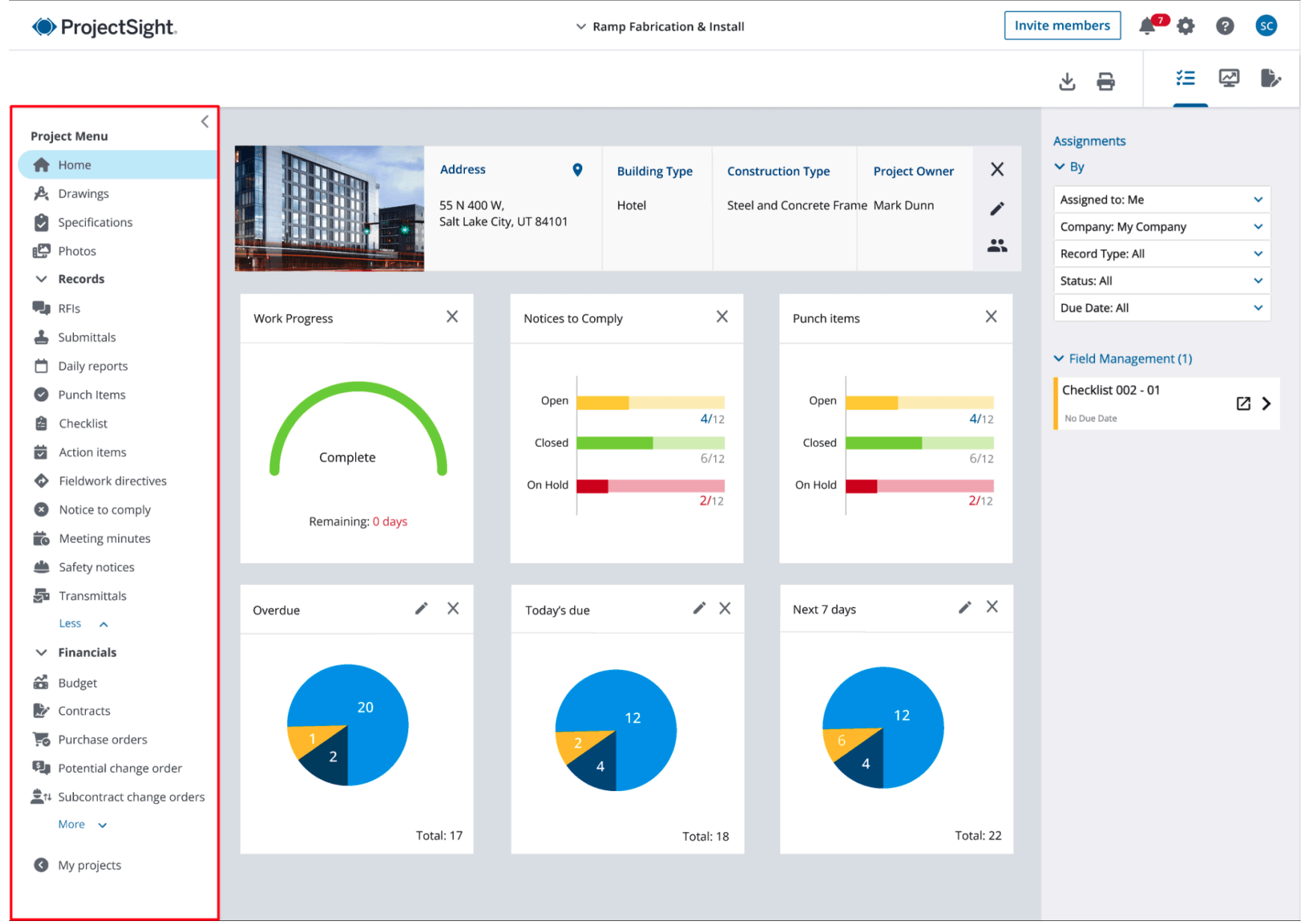
New Project Switcher: Quickly search and switch between projects in a portfolio with this new navigation tool.
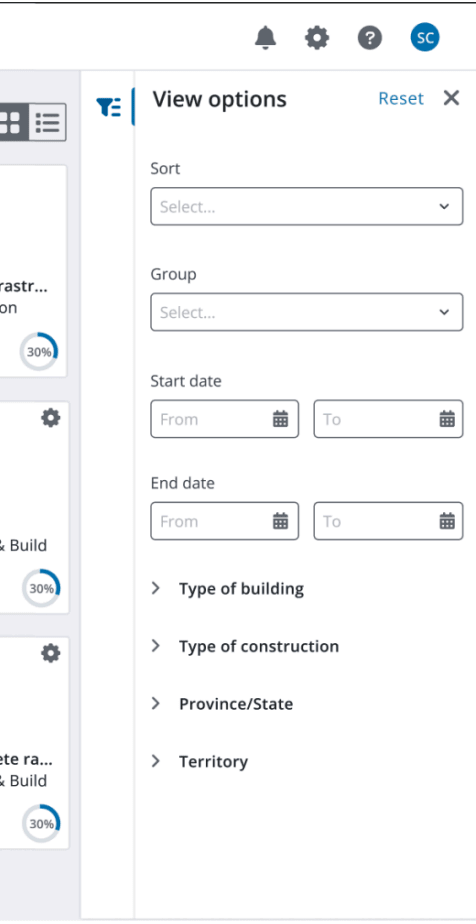
Enhanced Project Filter Panel: Find projects faster with more options to sort, group and search for projects.
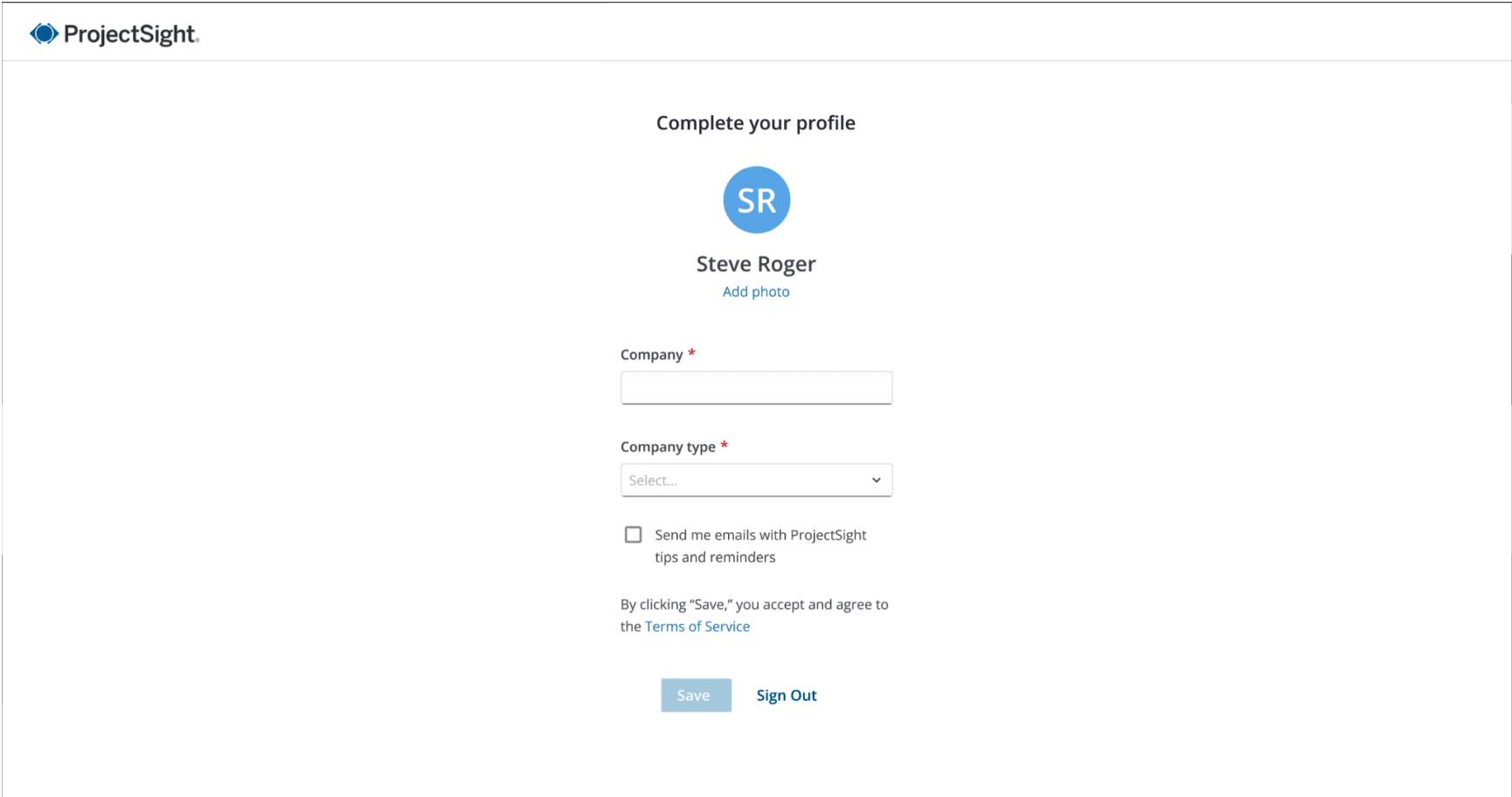
Simplified User Profile Creation: New ProjectSight users will be able to gain access to the software through a streamlined profile creation process.
Web: Vista job cost data now available in ProjectSight
ProjectSight’s budget module will display each budget code that has a JC Job Cost associated with it in Vista. This integration functionality allows for greater visibility to the actual job costs outside of Vista.
The integration will automatically sync Job Cost data between Vista and ProjectSight every 60 minutes.
Mobile: photos quick upload
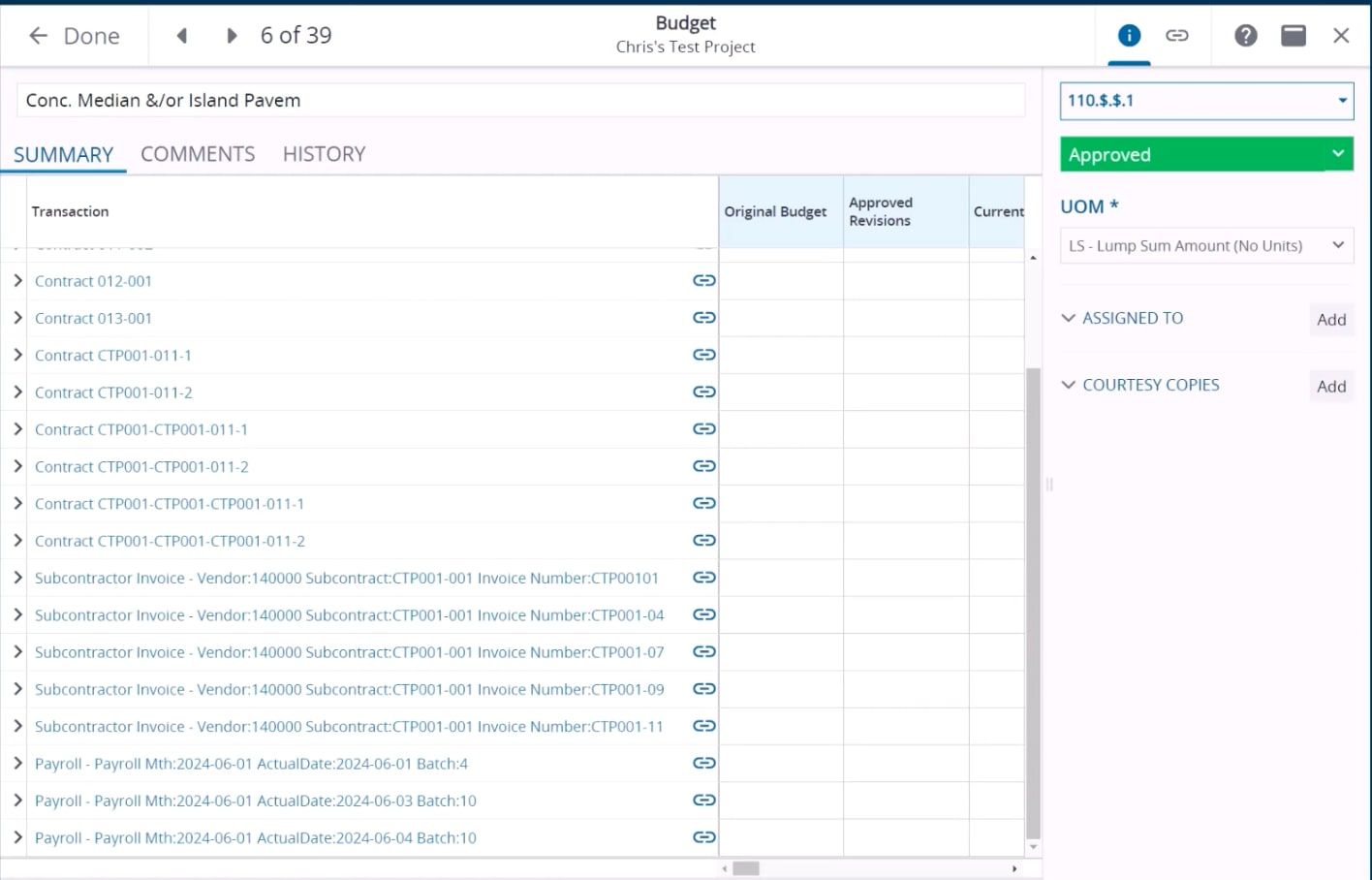
From the project home page, photos in the field can be quickly uploaded to the web application.
Photos can be added individually or in bulk from a device’s camera roll. Optionally, after you select a photo, you can annotate it or edit photo properties such as location or name.

Mobile: records quick add from mobile
A Quick Add menu has been added to the project homepage. Now users with permissions can add records such as Daily reports, Issues, RFIs, Punch Items in just a few clicks.
August 2024: ProjectSight product update
Mobile: pin photos to drawings
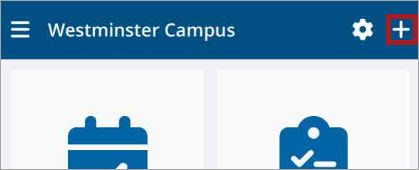
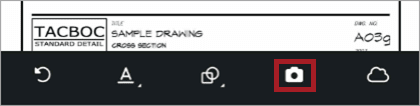
The drawings module on the mobile application now includes the ability to add photos or videos as an annotation. This feature allows for photos or videos to be captured in the field and communicated in the context of a drawing. See this functionality in action.
Mobile: View all records on a record
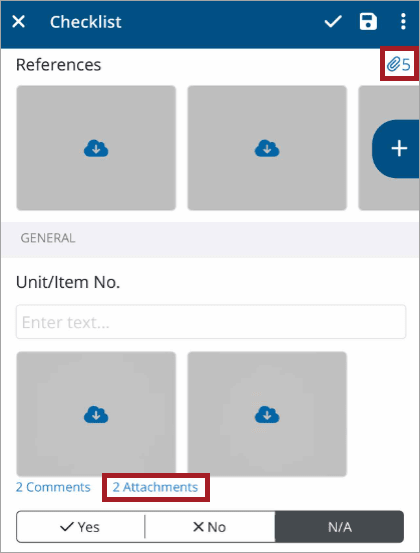
Quickly see all the attachments to records, including photos, videos, drawings or documents. Open a record, such as a checklist, on the mobile application and open attachments to view, share or delete.
June 2024: ProjectSight product update
We have a lot of great Trimble ProjectSight product updates for the second quarter of 2024!
Read on to see what ProjectSight users can do now to better manage budget and cost, drawings, field managements (and of course, our user interface):
Budget/Cost
Balance PCO Items: The initial balance of a Potential Change Order item is the same as the Cost Applied Amount.
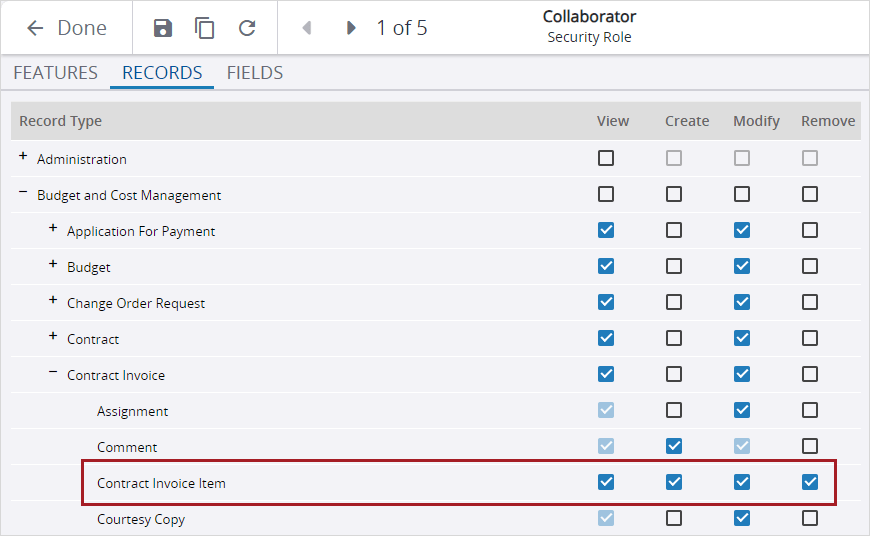
Manage contract invoice items with permissions: You can set record permissions to limit which security roles can create, modify, and delete contract invoice items.
To better connect your project management data to your financials, ERP Code is now included on Company and Vendor records in ProjectSight.
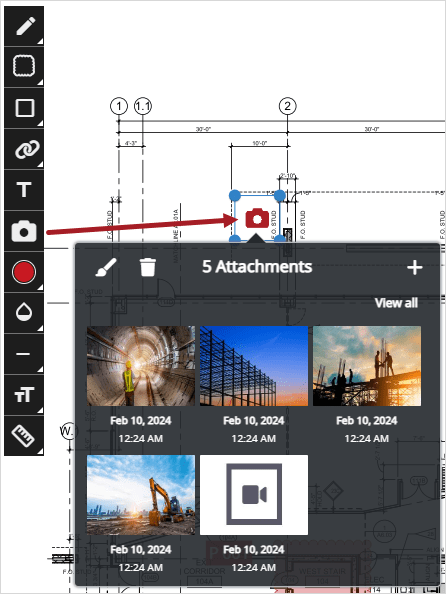
After you save the drawing, the linked photos are available in the Photos module, and the linked videos are available in the File Library.
Drawings
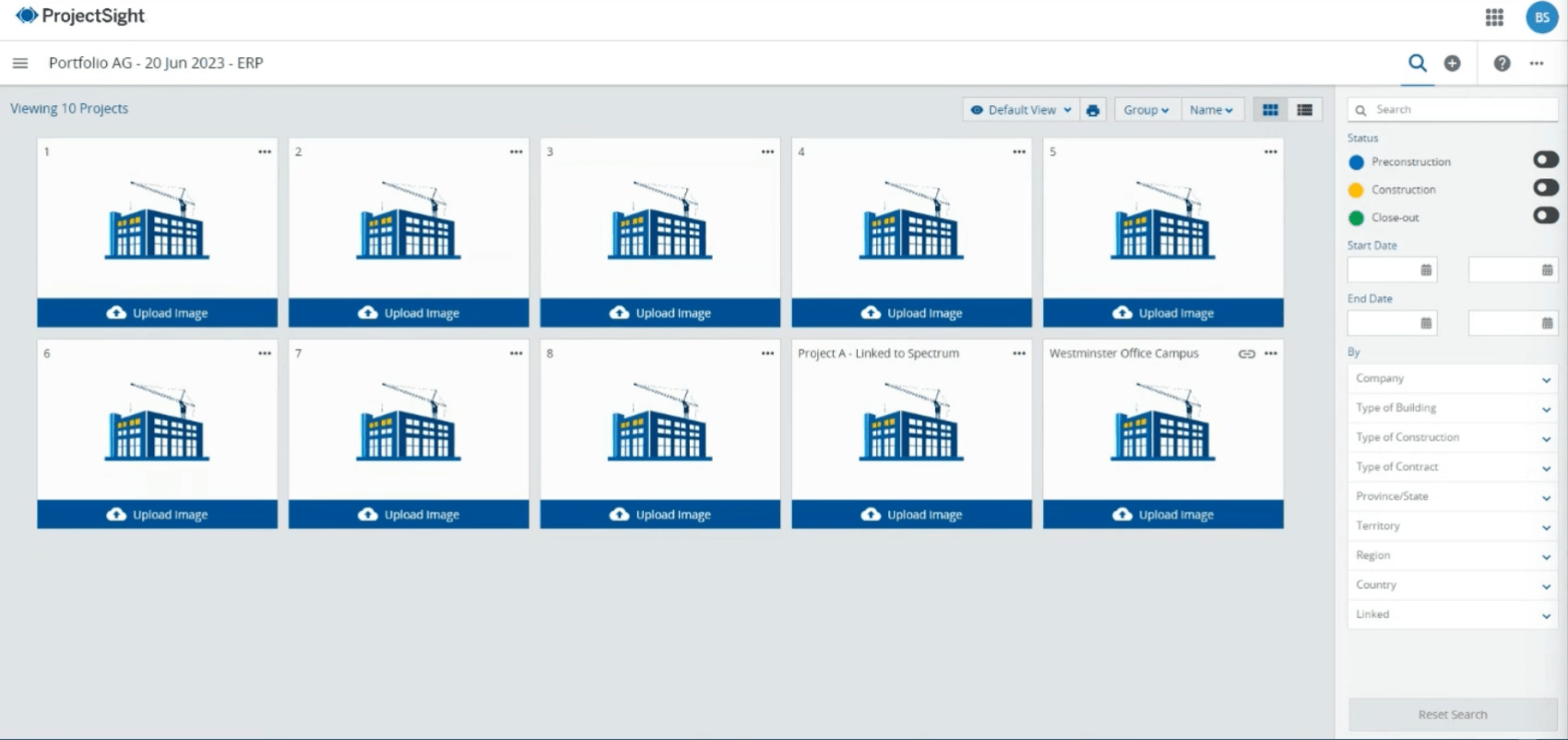
Pinned Photos to Drawings: In Drawings, you can now add photo annotations and link multiple photos and videos to each one. The link icon shows which Projects are linked to the ERP in the Project Selection screen. (Photo annotations are only visible in the ProjectSight web app.)
Also in Drawings, you can now find drawing annotations with similar colors by using a color filter! After you save the drawing, the linked photos are available in the Photos module, and the linked videos are available in the File Library.
Field
You can now quickly identify comments in checklists, drawing sets, PCOs, and submittal packages, which now have a blue comment icon.
User interface
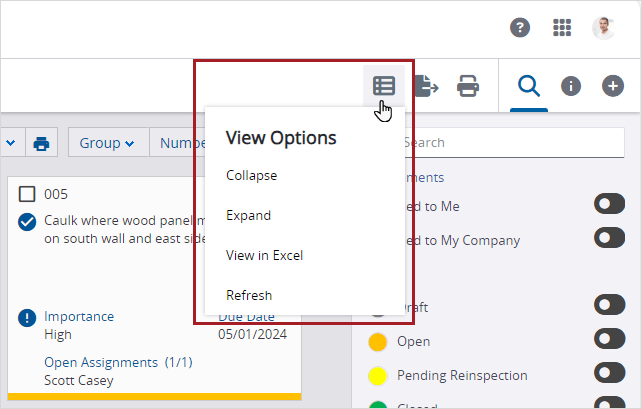
Now you can customize your dashboard: See items as tiles or lists in the ”View” option.
Bookmark Trimble ProjectSight release notes (organized by month) to get the full scoop on the latest and greatest!
# # #
December 2023: ProjectSight product blog update
A lot of TLC has gone into Trimble's project management solution lately. Read on to see improvements to budget tracking, the new Vista connection, ProjectSight mobile updates, photo management, and more!
Budget improvements in ProjectSight
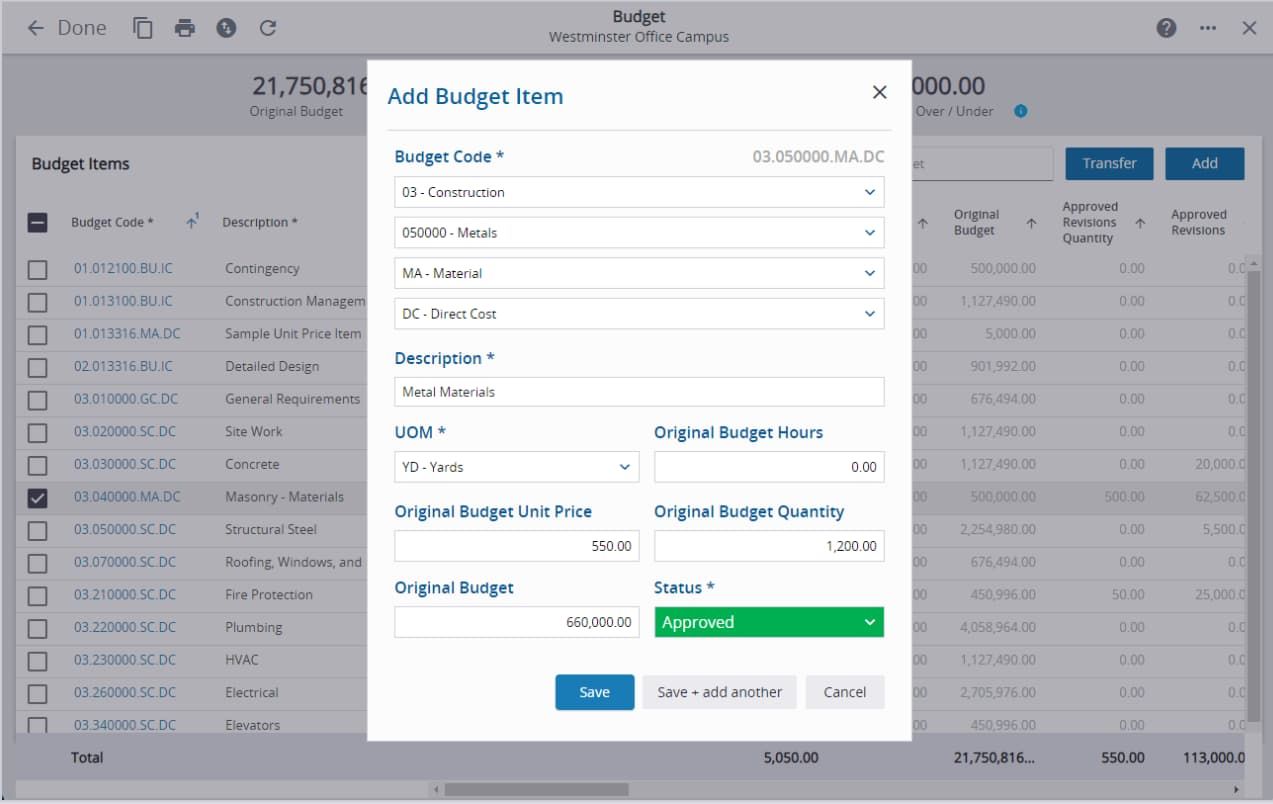
Budget units & hours
The addition of units and hours will allow customers to go beyond tracking lump sum values by adding quantity and hours fields throughout the Budget & Cost Management module.
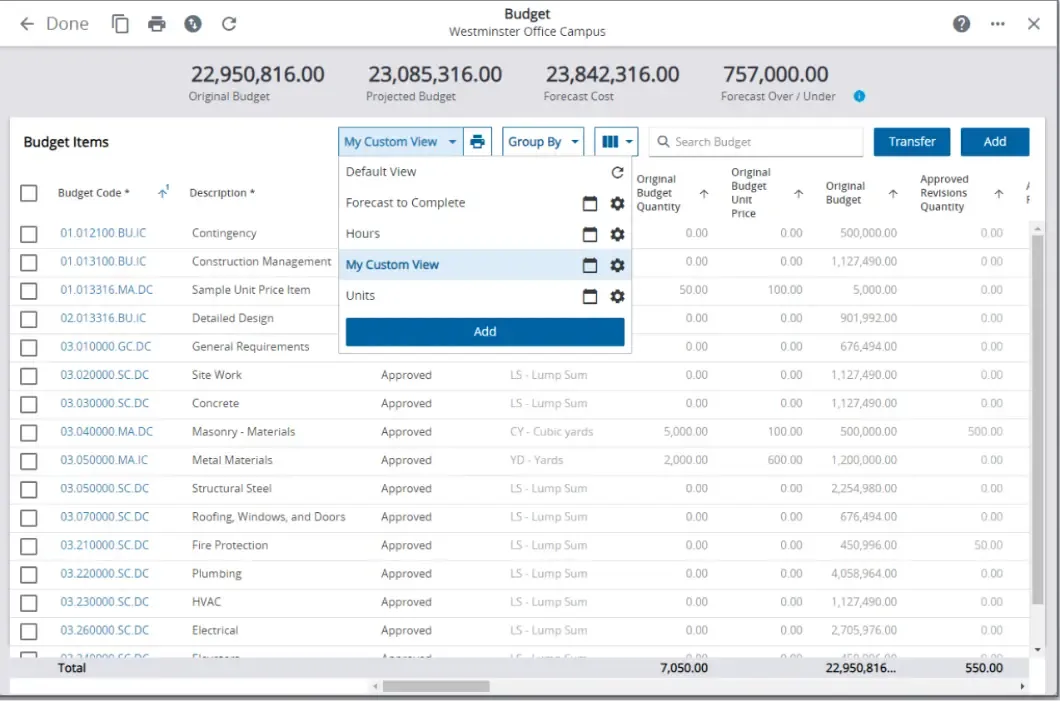
Budget custom views
In order to provide improved visualization and reporting in the budget module, the custom views feature has been added to this area.
ERP integrations
We’re working with the Trimble Data Xchange team to connect ProjectSight to Viewpoint Spectrum and Viewpoint Vista, and will be enhancing those integrations to support the new unit & hours capabilities.
For Vista we sync phase code and budget code units, hours, unit price, and amounts. Look for similar functionality in Spectrum coming up next!
New ProjectSight + Viewpoint Vista connections
Let’s go back to that ProjectSight and Vista integration by Data Xchange: There’s a lot to love here. We’re on Phase 1, and here the workflows included now:
Core configuration
All Vista Customers and Vendors are available in ProjectSight to be imported as new companies or linked to existing ProjectSight companies. This creates tight relationship of customer and vendor data across Vista and ProjectSight, ensuring that records such as Subcontracts and Change Orders are associated with the correct companies.
Project setup
Vista Jobs can be linked to ProjectSight Projects, which initiates the integration of project data. This allows users to create new projects in their preferred system and then link them when ready. ProjectSight Prime Contracts are automatically created from Vista JC Contracts when the JC Job is selected to be synced to ProjectSight.
Budget management
Whether your processes are to create Budget Items in ProjectSight first or Job Phases in Vista first, this feature has you covered. The integration ensures the budget is accurately maintained between ProjectSight and Vista so users can confidently work in either system. After the ProjectSight Budget Item is linked to a Vista Job Phase, any direct edits or budget transfers performed in ProjectSight will be reflected in Vista.
Commitments
Authorized users can send Subcontracts and Purchase Orders from ProjectSight to Vista to keep Job Costs in line and ensure that Accounts Payable is ready for invoices - all without any dual entry. Alternatively, Subcontracts and Purchase Orders can be sent from Vista to ProjectSight. The integration's flexibility allows you to determine in which system commitments are originated, and the system takes care of the rest.
Change management
When ProjectSight Potential Change Orders are sent to Vista, a PM Pending Change Order will be created for any pending or approximate changes. Once a change order is approved, Pending PM Change Orders will be removed and a JC Internal Contract Change Order will be created for the approved changes. Subcontract Change Orders can be sent from ProjectSight to Vista by authorized users.
ProjectSight + Spectrum updates
You can link jobs, customers, and vendors, as well as sync phase codes and budget codes and send commitments to Spectrum. Additional functionality is coming to the ProjectSight/Spectrum integration in the near future.
New photo management with ProjectSight
Record integration
The photos module is integrated with other record types (such as RFIs), allowing for easy linking/navigation between records. It also synchronizes photos attachments and their versions to the quick upload folder.
Permissions
Enhanced permissions allow for administrators to easily control access levels.
Photos area
The photos area contains all photos from the project, including ones uploaded prior to this release.
What’s new for ProjectSight mobile?
There are so many great updates for ProjectSight… and we’ve got you covered on the mobile app, too!
Capture and edit multiple photos at once
Select existing photos from camera roll, edit and bulk upload
Prevent loss during capture
View and change photo properties (rename, add location, etc.)
That’s all for now! Be sure to bookmark this post and check back for the latest and greatest ProjectSight product updates!

