

Globally, $280 billion is lost each year to poor communication and data transfer, according to an FMI report, “Disconnected Construction.” Project management platforms address this gap by creating tighter, more productive workflows between the back office and the jobsite.
But to truly protect profit margins and streamline daily operations, project teams need clarity on how connected data works in practice, in their daily workflows, with construction management software. This is particularly acute for small- and medium-sized businesses whose operational margins are constantly squeezed by administrative burden, delayed field updates and manual data entry. Whether you are considering a purpose-built platform or auditing your current workflows, understanding how connected data impacts daily operations is essential to protecting your project margins.
Below are key questions for evaluating construction technology platforms, such as Trimble ProjectSight, to help your team eliminate administrative chaos, track progress, save time and enable accountability across field and office roles.
Why have small- and mid-sized construction businesses struggled to maintain jobsite-to-office visibility?
Traditionally, small- and mid-sized construction businesses had to compromise: either adopt rigid, overly complex enterprise platforms built for massive corporations, or rely on a fragmented collection of loose spreadsheets, email chains and third-party apps. For small- and mid-sized businesses, neither option effectively connects site updates with back-office project controls.
Designed for heavy, large corporate needs, legacy construction software is either so rigid that it forces teams into unnatural workflows or overcorrects with unstructured adaptability that hinders field adoption and leaves the back office blind to up-to-date, as-built reality.
When platforms are too difficult to use in the field, workers bypass corporate systems: tracking change orders in personal spreadsheets, processing RFIs over text messages, snapping site photos on mobile phones and skipping formal approval loops.
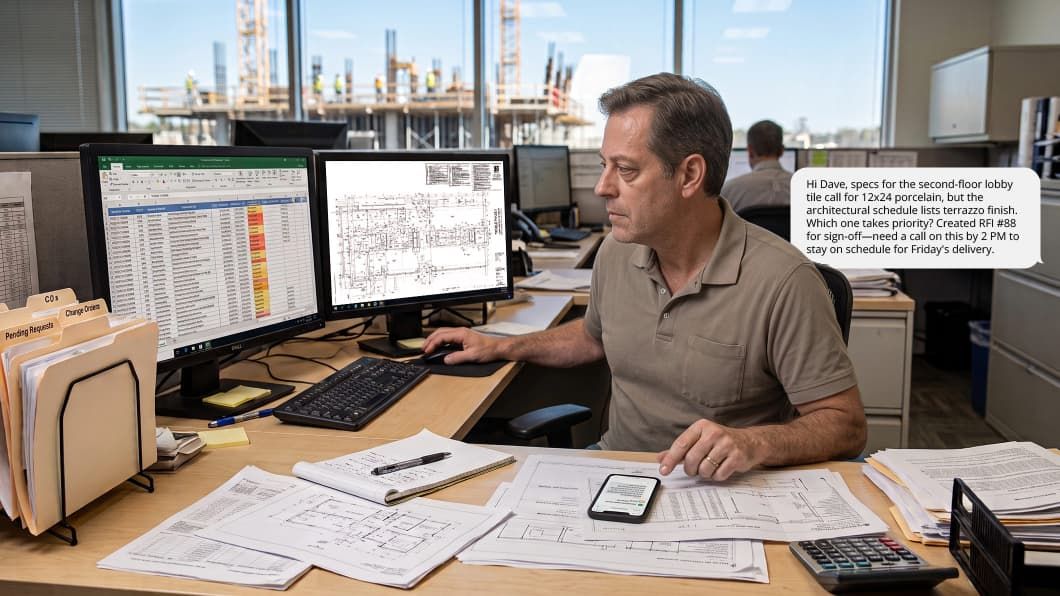
A purpose-built construction project management platform alleviates the need to juggle multiple apps, documents and conversation threads.
Find the balance
Engineered by construction professionals, ProjectSight achieves a balance between both legacy extremes that is optimized for small- and mid-sized construction businesses. Conform the platform to your distinct workflow with:
Configurable labels
Custom forms
Adjustable drop-down menus
This structured adaptability enforces standardized approval loops across active jobs to mitigate risk and maintain project visibility, giving site managers the flexibility to tailor unique contract requirements without stepping outside the system.
Eliminate chaos
Lacking a right-sized, connected platform, project teams cobble together disconnected point solutions like standalone 360° reality capture tools, photo storage apps, spreadsheets and email threads. Juggling multiple app logins, text threads and email attachments just to track a single change order or locate visual proof of progress gobbles up time and energy, while issues that bleed margin go unnoticed.
ProjectSight centralizes document control, drawings and field management within a unified ecosystem alongside Trimble ERP solutions. Bridging daily jobsite activity with back-office accounting removes administrative re-entry and lets you catch risks to project margins before month-end close. Simply log in, open the tab and quickly find your data.
What are the essential features of a robust construction management platform?
Software features only matter if they actually improve how data flows between the field trailer and the main office. Look for tools that improve daily communication and the organization of project records. When evaluating platforms, the goal is to identify capabilities that actively eliminate administrative drag, automate manual data entry and keep every team member working from a single source of truth.
The following core capabilities form the foundation of a fully connected workflow:
Unified project management hub: consolidating document control, drawings, fabrication workflows and field management into a single platform replaces fragmented point solutions, eliminates manual double-entry and delivers clear financial visibility across the entire project lifecycle.
Drawing management with AI indexing: automated drawing uploads eliminate the need for manual sheet numbering. Site teams can mark up drawings directly on mobile devices and link RFIs, punch items or change records straight to specific sheet locations.
RFI and submittal tracking: streamlining creation-to-approval workflows prevents project delays. Tagging responsible stakeholders, assigning due dates and linking site photos, drawings or 3D models directly to RFIs ensure questions are answered before they impact the build schedule.
3D BIM collaboration: office and field teams gain shared visibility into 3D models with status tracking and dimensioning tools, removing uncertainty and saving time on complex site installations.
Centralized specifications and transmittals: organizing specification sections, managing revisions and linking specs directly to submittals or RFIs keeps project communications clear and contractually compliant.Centralized specifications and transmittals: organizing specification sections, managing revisions and linking specs directly to submittals or RFIs keeps project communications clear and contractually compliant.
Meeting minutes and action items: managing meeting topics, tracking invitations and carrying forward outstanding action items across recurring site meetings enforce team accountability and keep project momentum going.
Consolidated jobsite photos: gathering photos from across the project team makes visual evidence referenceable. Attaching photos directly to daily reports, RFIs, issues and drawings provides clear visual proof of progress.
When these core features are tied into a single environment, reactive firefighting turns into proactive control. Finding a platform, like ProjectSight, that provides these capabilities and balances field flexibility with standardized corporate approvals is key to protecting project margins, eliminating data chasing and reducing rework.
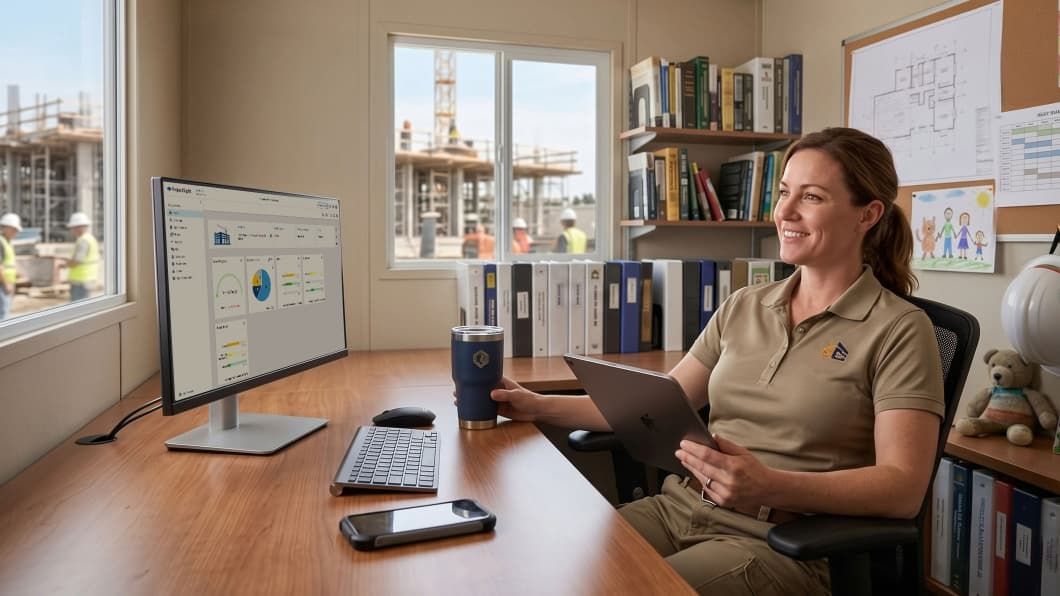
Enjoy a cleaner desk and a reduction of administrative hours with Trimble ProjectSight.
Here is how the above capabilities and structured flexibility play out in practice across your key team roles.
Project managers, site managers and general contractors
Access up-to-date drawings, mark up sheets on mobile devices, and process RFIs directly from the jobsite so your crews stay on schedule building.
Document controllers and quality teams
Enforce standardized approval loops, track specifications and maintain an immutable audit trail across every project record.
Controllers, owners and business executives
Gain up-to-date visibility into project progress, streamline change management and synchronize field activity directly with core financial ERP systems to protect overall project margins.
Discover Trimble ProjectSight
What should contractors look for in construction management software pricing?
Growing your business shouldn't trigger higher vendor fees, revenue penalties or surprise pricing audits. True project collaboration requires every trade partner, architect and owner working from the same page. That’s why your software should scale with your internal team, offering predictable Named User Licensing with unlimited free external collaborators for subcontractors, architects and owners.
Trimble ProjectSight eliminates fee-per-sub barriers so your team retains full control over project controls while external stakeholders view plans, submit daily updates and respond to RFIs for free. Expand jobsite collaboration with complete peace of mind knowing your software bill won’t explode as your portfolio grows.
Does construction management software work offline?
While mobile-first construction management platforms are designed to function offline, notorious dead zones such as basements, concrete structures or remote jobsite trailers without internet are problematic for some platforms.
ProjectSight is engineered to function across the entire jobsite, ensuring project execution never grinds to a halt. Protect jobsite productivity with offline capabilities that are essential to protecting your timeline.
Offline access to drawings and specs
Field crews can view, zoom and inspect approved drawing sets, models and specifications stored locally on mobile devices.
Local markup and photo capture
Site managers can mark up drawings, log issues, attach jobsite photos and capture punch items directly in the mobile app while disconnected.
Field reporting on site
Daily reports, labor hours and custom safety or quality inspection checklists can be completed in real time on the jobsite floor.
Automatic background synchronization
Once a mobile device reconnects to Wi-Fi or cellular networks, all offline changes, photos and records automatically sync to the cloud, updating office project controls without requiring manual data re-entry.
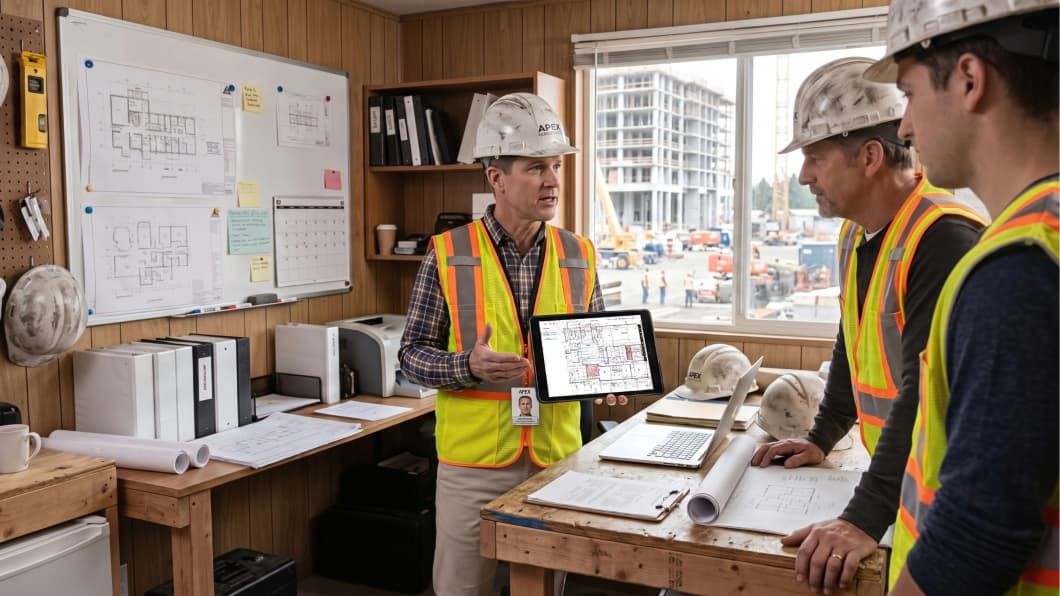
Communicate up-to-date site progress quickly with a connected platform.
How does construction management software improve profitability?
Construction profit margins are rarely lost all at once, they leak away through unaccounted site changes, delayed change approvals, slow billing cycles and manual double-entry errors. Comprehensive connected construction technology, such as ProjectSight, protects profitability by directly linking site activity to cost management and administrative oversight.
A connected platform safeguards project margins by bringing real-time visibility and control to key financial areas.
Budgets, costs and forecasting
Get detailed, actionable insights into project budgets. Track original vs. projected expenses to make informed decisions.
Change orders
Streamline change order management from identification through subcontract and prime contract adjustments.
Contracts and commitments
Track agreements, commitments and schedules of values. Automatically update the project budget with new commitments and scope changes.
Purchase orders
Track materials, equipment and supplies purchased from vendors. Keep commitments clear to prevent unexpected budget overruns on the jobsite.
Invoices
Manage and process invoices efficiently. Connecting vendor billing directly to project records maintains clear cost tracking for each billing period.
Discover Trimble ProjectSight
How does construction management software reduce costly rework?
Rework occurs when site teams build off outdated drawings, unapproved submittals or verbal directives that fail to reach the right stakeholder. Connected construction technology platforms eliminate this chaos by uniting drawing management, RFIs, field directives and mobile checklists into a single live record, ensuring site and office teams collaborate from the same source of project truth.
For small and mid-sized contractors operating on thin margins, a single rework incident can erase the profit on an entire job. Replacing paper revisions, loose messaging and separate photo apps with a unified field-to-office connection eliminates the administrative lag that causes crews to build off old plans.
ProjectSight embeds daily field controls, from drawings to checklists, directly into a single, intuitive platform, ensuring every stakeholder works from accurate, reliable data without added administrative burden.
How can connected project records use 360° reality capture to eliminate jobsite guesswork?
Between stacked trade schedules, constant design revisions and heightened safety requirements, tracking project reality has grown exponentially complex. Instead of piecing progress together through phone calls, emails and static photos, 360° reality capture provides an instant visual historical record of as-built site conditions. When reality capture is built directly into a project management platform—as Trimble has accomplished with its ProjectSight 360 Capture—operational value increases significantly.
"A major pain point with current workflows, which rely heavily on daily reports and photos taken by a co-op, is the difficulty in capturing everything and the labor-intensive process of finding specific photos or historical information." — Bradley Walter, Field Engineer, Barletta Heavy Division, Inc.
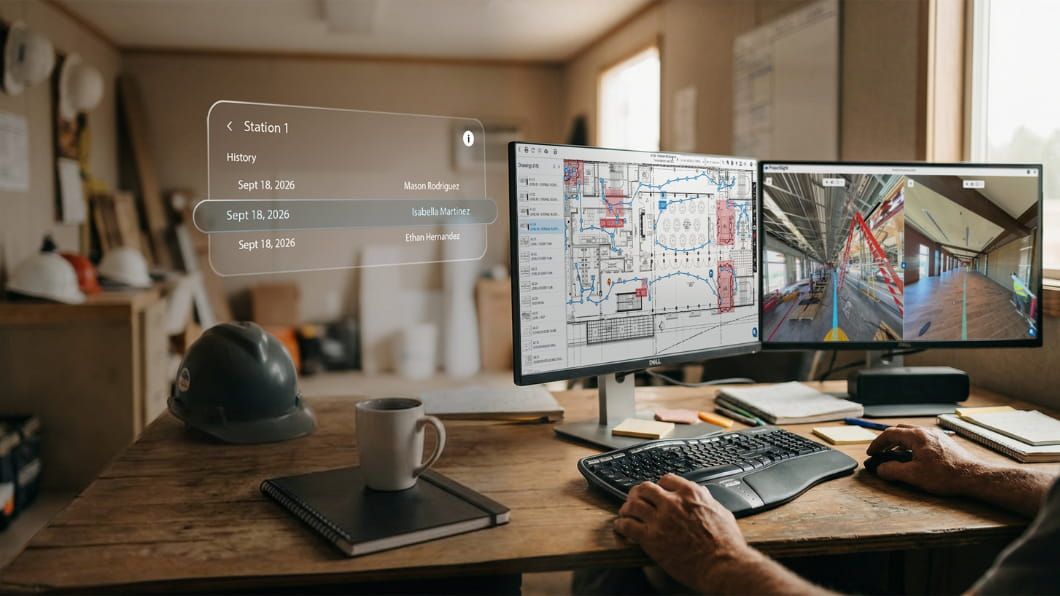
Access a digital walk-through of site progress both today and historically with Trimble ProjectSight 360 Capture.
Press record on ProjectSight 360 Capture to log site progress while AI computer vision automatically pins 360° photos and video directly to architectural drawings and BIMs as field teams walk the jobsite. By giving office and site teams split-screen visual comparisons, project teams verify past site conditions, confirm completed work before drywall is hung and resolve unfair back-charge disputes with irrefutable proof.
How can I use AI in construction?
AI in construction serves as a practical, high-value tool that alleviates the administrative fatigue weighing down project teams. For instance, reviewing thousands of drawing revisions and compiling daily reports consumes hours of critical jobsite time over the course of a commercial project’s lifecycle.
Acting as a draft-status assistant, Trimble ProjectSight's AI completes 90% of the rote administrative effort, from hunting for revised drawings to logging daily field updates, while keeping final, authoritative control securely in your team's hands. Let technology handle repetitive data entry and reclaim valuable time every day so you can spend more time driving field productivity or simply leave by 6 p.m. knowing the jobsite is buttoned up.
Protect your project margins with connected construction technology
Bringing jobsite activity and office controls together protects the operational margins that keep your construction business growing. When field teams, project managers and back-office controllers collaborate inside a single connected platform, administrative chaos gives way to predictable, profitable project execution.
Take the next step in streamlining your field-to-office workflows and see for yourself how ProjectSight brings real-time visibility to every corner of your jobsite.
Ready to transform daily jobsite updates into stronger profit margins with less administrative effort?


